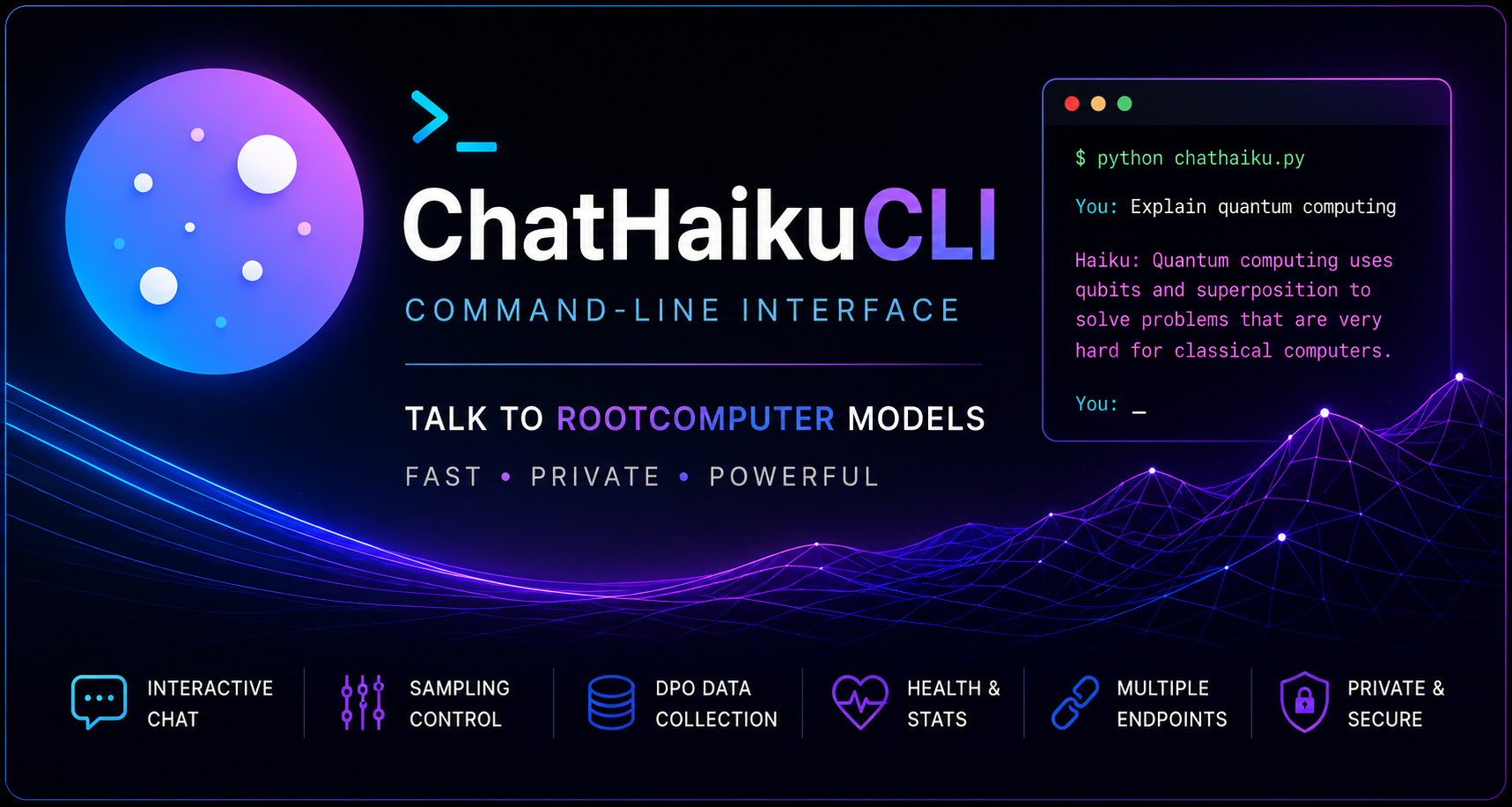
Command-line interface

Talk to Rootcomputer models from a terminal.

ChatHaikuCLI is a lightweight Python client for interactive model use, endpoint testing, optional plugin workflows, sampling control, conversation capture, and local preference-data collection.

$ python chathaiku.py
No pip install Public endpoint Dev client Plugin-ready SFT / DPO JSONL
chathaiku_dev.py
$ python chathaiku_dev.py Endpoint: https://chathaiku.com/api/haiku.php You: Explain quantum computing Haiku: Quantum computing uses qubits to represent and process information in ways classical bits cannot. You: /params temp=0.35 top_p=0.37 max_new=80 rep_penalty=1.15 You: /plugin Loaded plugins: autodpo, endpoint_compare
Two clients

Simple chat when you need it. Developer controls when you need more.

The repository ships with a public client for everyday terminal use and a developer client for endpoint testing, sampling control, and preference-data collection.

chathaiku.py Public client

Start chatting immediately.

Uses the default public ChatHaiku endpoint, supports basic commands, and keeps the interface intentionally small.

$python chathaiku.py
  • Interactive conversation loop
  • Clear and save transcripts
  • Custom endpoint support
  • ANSI color toggle
chathaiku_dev.py Developer client

Evaluate model behavior from the terminal.

Switch endpoints, inspect health, tune sampling, reload optional plugins, retry generations, and collect structured SFT/DPO records locally.

$python chathaiku_dev.py --server http://localhost:8000
  • Endpoint hot-swapping
  • Sampling controls
  • Retry and undo tools
  • Runtime plugin reloads
  • Preference-data capture
Terminal tools

Practical controls for model testing.

01

Endpoint switching

Move between the public endpoint, a local `/api/chat` route, or a self-hosted base server without editing the script.

/endpoint http://localhost:8000
02

Sampling controls

Adjust temperature, top-p, top-k, max tokens, repetition penalty, and no-repeat n-gram settings during a session.

/temp 0.7 · /top-p 0.9 · /max-new 200
03

Health checks

Probe model endpoints and inspect server information before running longer evaluation sessions.

/ping · /info
04

Conversation tools

Clear context, view history, save transcripts, retry the last generation, or undo the last exchange.

/history · /save FILE · /retry · /undo
05

SFT positives

Mark good replies and save positive examples for supervised fine-tuning datasets.

/good → data/sft_positive.jsonl
06

DPO pairs

Rewrite poor answers into chosen/rejected preference pairs for alignment experiments.

/bad · /rewrite → data/dpo_pairs.jsonl
07

Optional plugins

Drop plugin files into a /plugins folder, reload from the terminal, and extend the developer client without editing the core script.

/plugin · /plugin reload · /plugin help

Optional plugins

Extend the developer client without changing the core script.

ChatHaikuCLI can load Python plugin files from a local plugins/ folder. Plugins can register their own slash commands, inspect or adjust sampling state, read conversation history, write preference data, and run one-off chat calls through the active endpoint.

plugin session
$ python chathaiku_dev.py --plugins-dir plugins
/plugin
/plugin reload
/plugin help autodpo
/autodpo run data/dpo_combined.jsonl data/dpo_fresh.jsonl
Plugin contract

Small files, clear boundaries.

Each plugin defines a Plugin subclass with a name, optional slash commands, and a handler. The client provides a session context so plugins can work with the current endpoint, sampling profile, conversation, and local SFT/DPO collectors.

plugins/my_tool.py /plugin reload
autodpo.py

AutoDPO

Regenerates DPO preference data using your current model's actual output. Point it at an existing dataset of prompt and chosen rewrites, and AutoDPO queries your model fresh for every prompt, captures the response as the new rejected, and writes a clean training-ready JSONL — clearing conversation history between every record to keep pairs context-independent.

  • Live model queries. Each rejected sample reflects your current deployed model rather than historical failures.
  • Identical-response filtering. Skips pairs where the model already produces the chosen reply, so you only train on real preference gaps.
  • Resumable runs. Use --resume to continue after a Ctrl-C or crash. Output is appended live, so partial progress is never lost.
  • HuggingFace-ready. Accepts both line-delimited JSONL and standard JSON-array files without conversion.
  • Configurable filters. Length thresholds, per-request delay, and processing limits adjust via flags.
  • Live progress reporting. Accepted/rejected counts, throughput, and ETA print every five records.
/ autodpo run input.jsonl output.jsonl --resume
Workflow

One terminal session can test, tune, and collect training data.

The developer client is designed for iterative model review. Use it to compare endpoints, adjust generation behavior, load optional plugins, save good answers, and convert poor replies into useful preference examples.

01 Select endpoint

Use the public PHP proxy, a direct chat route, or a local base URL.

02 Run prompts

Chat normally while the CLI manages JSON payloads and history.

03 Adjust sampling

Tune generation parameters without restarting the process.

04 Collect feedback

Write positive SFT examples and DPO pairs as local JSONL files.

Compatible HTTP API

Small client. Plain JSON contract.

ChatHaikuCLI expects a Rootcomputer-compatible `POST /api/chat` route returning a JSON `reply` field. A `/api/health` route is optional for self-hosted servers.

request.json
{
  "history": [
    { "role": "user", "content": "Hello" }
  ],
  "temperature": 0.85,
  "top_p": 0.92,
  "max_new_tokens": 200
}
response.json
{
  "reply": "Hello. How can I help?"
}